



New Features and Changes in AutoFOCUS 2.29
General
- Migrated AF3 to Eclipse 2025-12
- Migrated AF3 from JDK 21 to JDK 25
Variability
- Added product-line analysis for allocations.
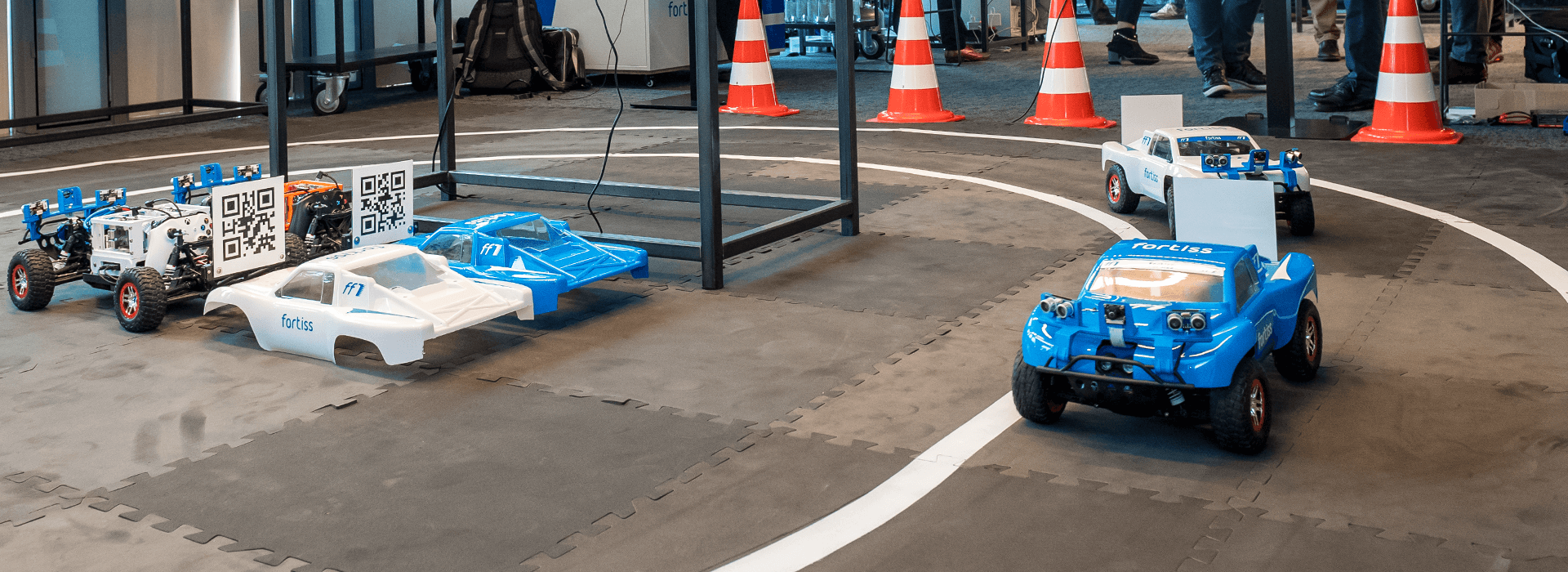
ff1 fortissimo
- Enabled starting of ff1 rover software without regnerating the code.
FAQ - Installation and Running
- On Windows: DSE does not execute and throws exception
- If you encounter the following exception when running a DSE you might be missing required libraries:
java.lang.UnsatisfiedLinkError: [...]\plugins\com.microsoft.z3_2.20.[...]\lib\x64\msvcp120.dll: Can't find dependent libraries
Installing the Visual C++ Redistributable Packages for Visual Studio 2013 fixes the problem.
- If you encounter the following exception when running a DSE you might be missing required libraries:
- AF3 does not start
- Check, that the path to your AF3 (including the AF3 folder itself) does not contain spaces.
- If the product does not start because the Java Virtual Machine (JVM) could not be created: Please update your Java installation to Java 11.0.7
- Unpacking of AF3 zip file fails with 'Path too long' on Windows
- Workaround: Unzip into your drive root, e.g., C:/ and give the folder a short name like 'af3'
- Menu icons are not displayed on KDE
- Go to "System settings - Application Style - GNOME Application Style".
- Select "Show symbols of GTK buttons".
- Select "Show symbols in GTK menus".
Detailed list of changes in 2.29:
- Tracing: Add PLA to identify broken allocations (#4447)
- Migrate AF3 from JDK 21 to JDK 25 with EMT 2025-12 (Eclipse 4.38) (#4502)
- Releng Build: Renable all products and optimize artifact expiration (#4505)
- Allow saving a deployed FF1 setup on a rover to a new folder (#4500)
- Allow Start from Folder (#4433)